
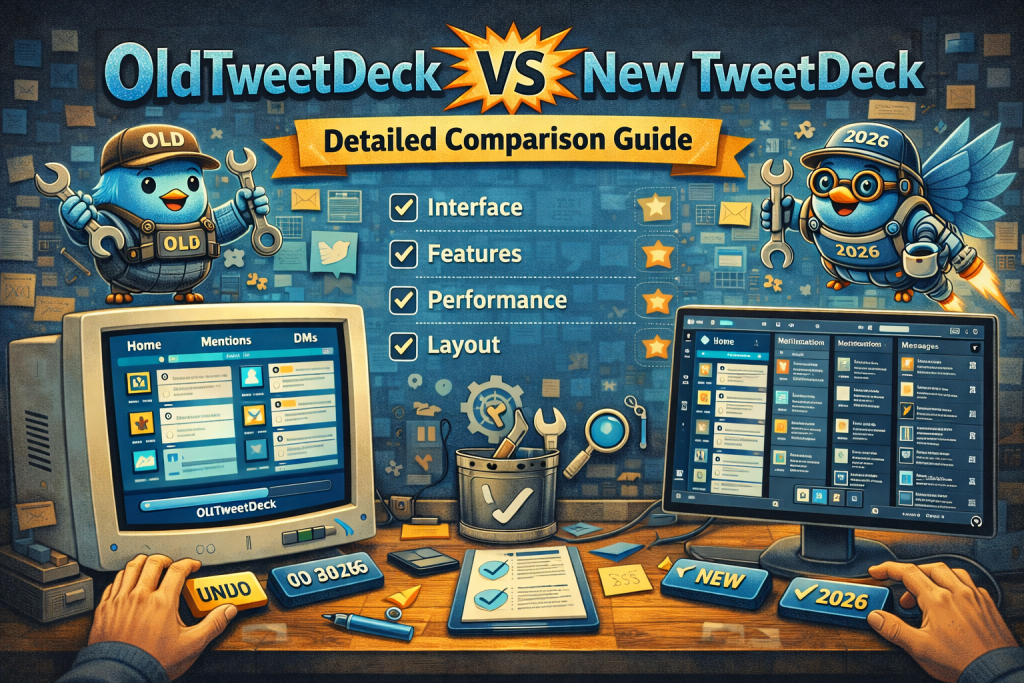
OldTweetDeck refers to independent, community-made solutions that restore the classic TweetDeck multi-column interface on X.com (formerly Twitter). New TweetDeck (often called X Pro / TweetDeck) refers to the official, platform-supported dashboard offered by X in 2025–2026. This guide breaks down the differences so you can choose the best option for your workflow.
Overview: OldTweetDeck and New TweetDeck
Before diving into specific comparisons, here’s a quick snapshot:
| Feature Category | OldTweetDeck | New TweetDeck (X Pro) |
|---|---|---|
| Origin | Community / Third-party | Official from X |
| Interface Style | Classic multi-column | Modernized (X Pro) |
| Stability | Can break with updates | Stable & supported |
| Cost | Free | Often subscription-based |
| Security | Depends on source | Governed by X policies |
| Support | Community only | Official support |
| Customizability | High (classic style) | Moderate–High |
1. Interface and Layout
OldTweetDeck
- Replicates the classic multi-column dashboard that many longtime users prefer
- Columns include Home, Mentions, Notifications, Lists, Search, etc.
- Drag-and-drop columns for personalized layouts
- Feels familiar and lightweight
New TweetDeck (X Pro)
- Updated interface designed to blend with modern X look and feel
- Columns may behave differently or be limited based on current design
- Prioritizes unified UI with platform ecosystem
- May provide additional widgets or features not present in classic versions
Best For:
• OldTweetDeck Users who want the old “everything on one screen” workflow
• New TweetDeck Users who prefer official design continuity
2. Installation and Accessibility
OldTweetDeck
- Must be downloaded via browser extension or userscript (e.g., Tampermonkey)
- Not guaranteed to work after major X updates
- Requires careful selection of trusted sources
New TweetDeck (X Pro)
- Accessible directly on the official platform
- No third-party software required
- Designed to work across devices and platforms with compatibility updates
3. Features & Customization
OldTweetDeck
- Classic features like unlimited columns
- Column resizing and detailed monitoring
- Community made tweaks and custom scripting possible
New TweetDeck (X Pro)
- Features controlled by X product team
- Integrated analytics, scheduled posts, and other official tools
- Improvements rollout with official updates
Feature Highlight:
- OldTweetDeck’s strength is custom view control
- New TweetDeck’s strength is feature stability and official integration
4. Stability and Reliability
OldTweetDeck
- Dependent on developer maintenance
- Can break unexpectedly when X changes backend or layout
- No official support channel
New TweetDeck (X Pro)
- Stable and supported by X’s engineering teams
- Less likely to exhibit breaking behavior
- Comes with help documentation and official updates
Best For:
• OldTweetDeck Explorers and hobby users
• New TweetDeck Professionals and teams
5. Security and Privacy
OldTweetDeck
- Security varies with the source of extension or script
- Some versions might request broad permissions
- Requires careful vetting
New TweetDeck (X Pro)
- Governed by X’s policies and protections
- Does not require third-party permissions
- Works within official authentication
Best For:
• OldTweetDeck Advanced users comfortable with risk management
• New TweetDeck Users prioritizing secure, official access
6. Cost
OldTweetDeck
- Typically free
- Occasional community-supported donations
- No subscription fees
New TweetDeck (X Pro)
- Often tied to X Pro subscription
- May include additional paid features
- Subscription cost subsidizes official development
Best For:
• OldTweetDeck Budget-conscious users
• New TweetDeck Users who value official support and continuous upgrades
7. Who Should Use Which?
Use OldTweetDeck if:
- You loved the classic multi-column interface
- You want a highly customizable view
- You don’t mind third-party tools and occasional fixes
- You use X primarily on desktop browsers
Use New TweetDeck (X Pro) if:
- You want official support and reliability
- You need stable features that don’t break with updates
- You use both desktop and other devices
- You prefer subscription-supported functionality
Quick Feature Comparison
| Feature | OldTweetDeck | New TweetDeck |
|---|---|---|
| Classic Columns | ⭐⭐⭐⭐⭐ | ⭐⭐ |
| Stability | ⭐⭐ | ⭐⭐⭐⭐⭐ |
| Security | ⭐⭐ | ⭐⭐⭐⭐ |
| Official Support | ❌ | ✅ |
| Cost | Free | Paid options |
| Custom Scripts | ✅ | Limited |
Pros & Cons Summary
OldTweetDeck Pros:
- Classic interface many users love
- Free and flexible
- Highly customizable
OldTweetDeck Cons:
- Not officially supported
- Can break with updates
- Security depends on source
New TweetDeck Pros:
- Stable and supported
- Secure and updated regularly
- Rich feature set
New TweetDeck Cons:
- Subscription costs
- Interface may not appeal to fans of the classic layout
Conclusion
OldTweetDeck brings back the classic multi-column experience that many users still prefer, especially for rigorous monitoring and real-time tracking. However, it relies on community tools that may break with platform updates and require careful installation from trusted sources.
New TweetDeck (X Pro), on the other hand, offers stability, official support, security, and features backed by the platform itself, though it often comes with a subscription cost. Your choice depends on whether you value the classic interface and customization (OldTweetDeck) or the official experience and reliability (New TweetDeck).